🧠
RAM / Memory Upgrades
Increase memory capacity for smoother multitasking and demanding applications. Supported memory type, speed, slot availability and maximum capacity are checked for your model.
Request a RepairWhether you need a faster system for work, study or gaming, CoreRevive Tech Repairs can assess your laptop or desktop and recommend suitable hardware upgrades. Improve storage, memory, graphics or cooling where your system supports it — with honest advice on whether upgrading or replacing makes more sense.
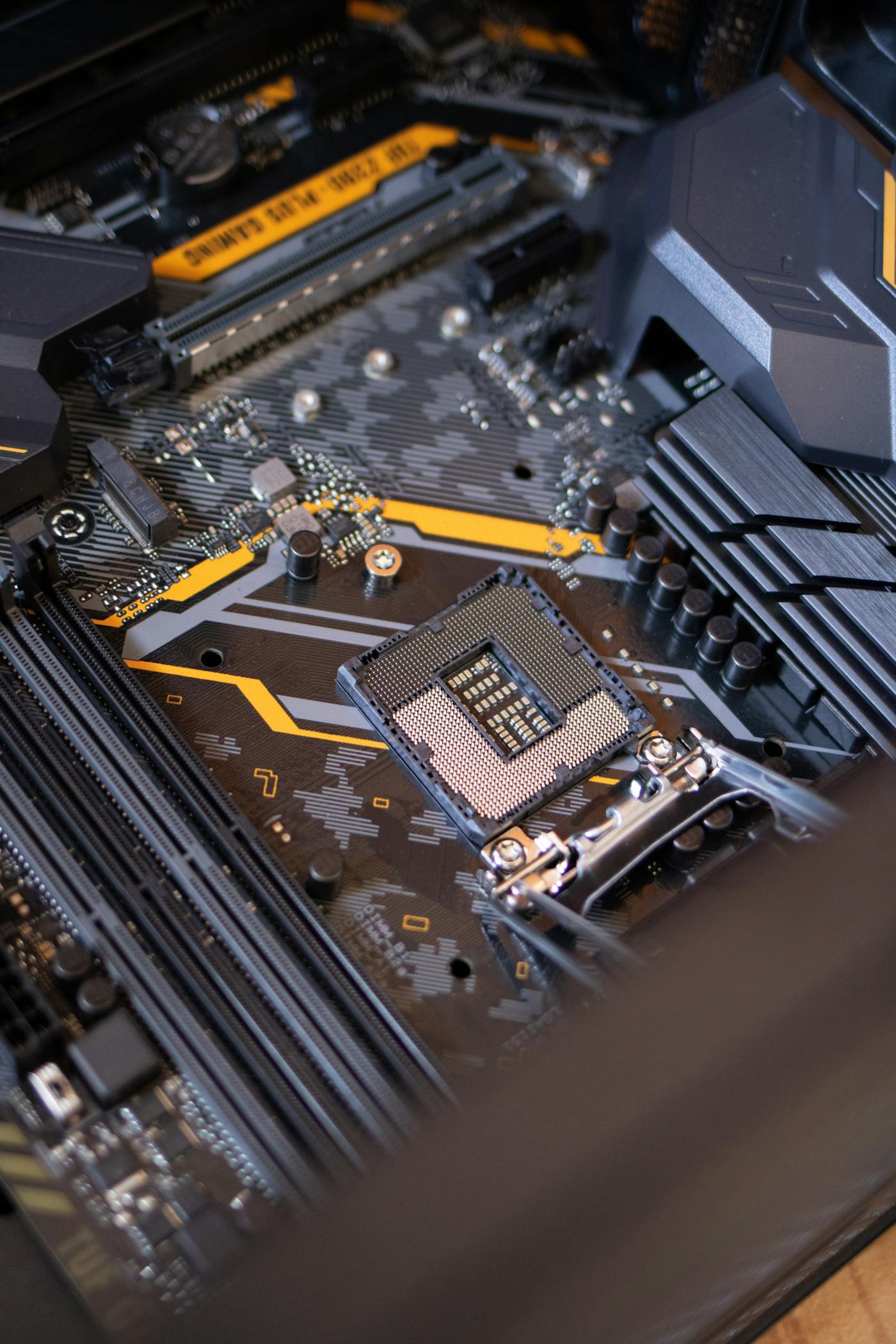
Every upgrade starts with checking what your device can support. We recommend components based on compatibility, intended use and budget.
Increase memory capacity for smoother multitasking and demanding applications. Supported memory type, speed, slot availability and maximum capacity are checked for your model.
Request a RepairMove to faster solid-state storage or increase available capacity. We check drive interface, physical fit and whether your existing data needs to be transferred.
Request a RepairUpgrade compatible desktop graphics for gaming, creative applications or other GPU workloads. We check case clearance, power supply capacity, connectors and system compatibility.
Request a RepairExplore compatible processor upgrades where the motherboard, socket, chipset, BIOS and cooling solution support the intended CPU.
Request a RepairImprove airflow or cooling with suitable fans, heatsinks or compatible cooling solutions. We assess temperatures, mounting support, clearances and power connections.
Request a RepairReplace a worn laptop battery with a suitable compatible part where available. Model, battery condition and part availability are checked before quotation.
Request a RepairAssessment for supported Wi-Fi cards, network adapters, expansion cards and other internal components where the device design allows an upgrade.
Request a RepairInstallation, component recognition checks and basic system verification after an approved upgrade. Any operating system or data-transfer requirements are discussed in advance.
Request a RepairNot every older system is worth upgrading. We consider your device condition, upgrade limits, intended use and estimated costs so you can make an informed decision.
Request a RepairWhether you want quicker everyday performance or a more capable gaming and creative setup, compatibility comes first.
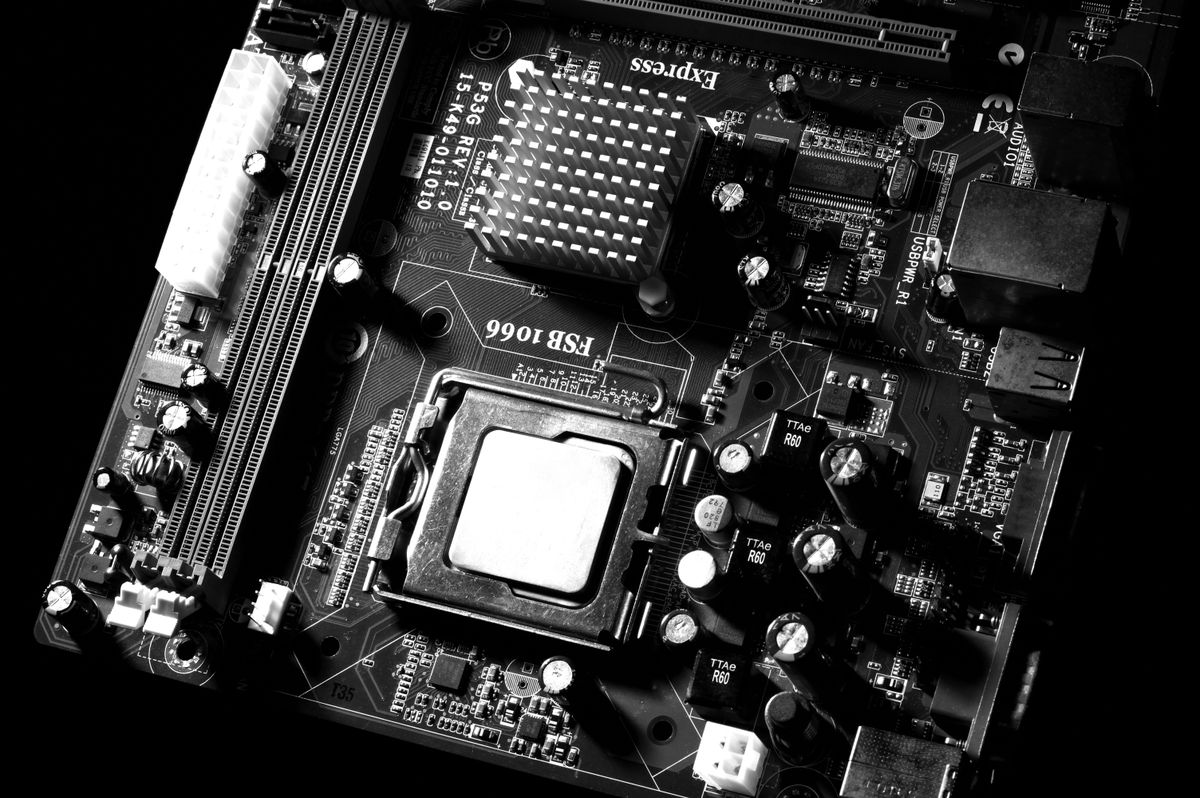

We work with a range of laptop and desktop brands. Upgrade options vary by exact model and configuration.
Dell, HP, Lenovo, Acer, ASUS, MSI and other models. Some laptops have soldered memory or limited internal upgrade options.
Office desktops, custom-built PCs and gaming systems. Desktop upgrade options depend on motherboard, power supply, case and cooling support.
Selected MacBook models can be assessed. Many newer models have integrated or soldered components, which can limit or prevent internal upgrades.
All upgrade requests must be booked for assessment. We will not install components or begin work until you approve the quotation.
Share your device model, current specifications and what you want to improve.
We check supported components, upgrade limits, condition and parts availability.
You receive recommended options and pricing. Nothing proceeds without your approval.
Approved components are installed and the system is checked before return arrangements are made.
Courier is not a standard collection option. If you would like CoreRevive to collect your laptop or desktop personally, collection may be arranged after 4:00pm, subject to your location and availability. Please request this when booking your assessment and wait for confirmation before handover.
Request personal collection when booking. We will confirm whether your location and a time after 4:00pm can be accommodated before travelling.
Request a RepairHelpful information before booking your upgrade assessment.
We accept assessment requests for many Windows laptops, desktop PCs and selected MacBook models. The exact upgrade options depend on your device model, internal design and supported components.
Costs depend on the component, its specifications, availability and installation requirements. We assess your system and provide a quotation for approval before work begins.
Timing depends on the upgrade type, device design and parts availability. We will provide an estimated timeframe after assessment.
Courier is not a standard collection option. Personal collection may be arranged after 4:00pm, subject to your location and availability. Please request it when booking and wait for confirmation before handover.
It depends on your computer's age, condition, supported upgrades and what you need it to do. We can explain the likely benefits and costs, and give honest advice if replacement may be a better option.
A suitable upgrade can improve certain tasks, but the results depend on the existing hardware, software and workload. We will explain realistic expectations before you approve the work.
Please discuss this when booking. We need to verify the exact part's compatibility, condition and suitability before agreeing to install it. Warranty coverage may differ for customer-supplied components.
Qualifying upgrades include a six-month warranty on parts and workmanship, subject to the applicable service and warranty terms. Coverage for customer-supplied parts, if accepted, will be clarified beforehand.
We want you to understand the upgrade, cost and coverage before anything begins.
We check the device and proposed component before quoting. No installation proceeds until you approve the recommended option and price.
Qualifying upgrades include a six-month warranty on parts and workmanship, subject to the applicable service and warranty terms.
Send your device make and model, current specifications if known, and what you want to improve. We can help you explore compatible options and decide whether an upgrade is worthwhile.
+27 65 308 9453 · corerevivetech@outlook.com · Gauteng, South Africa
An assessment request is not confirmed until CoreRevive replies with the booking details.
Send us your details once. WhatsApp will open with your repair request ready to send.